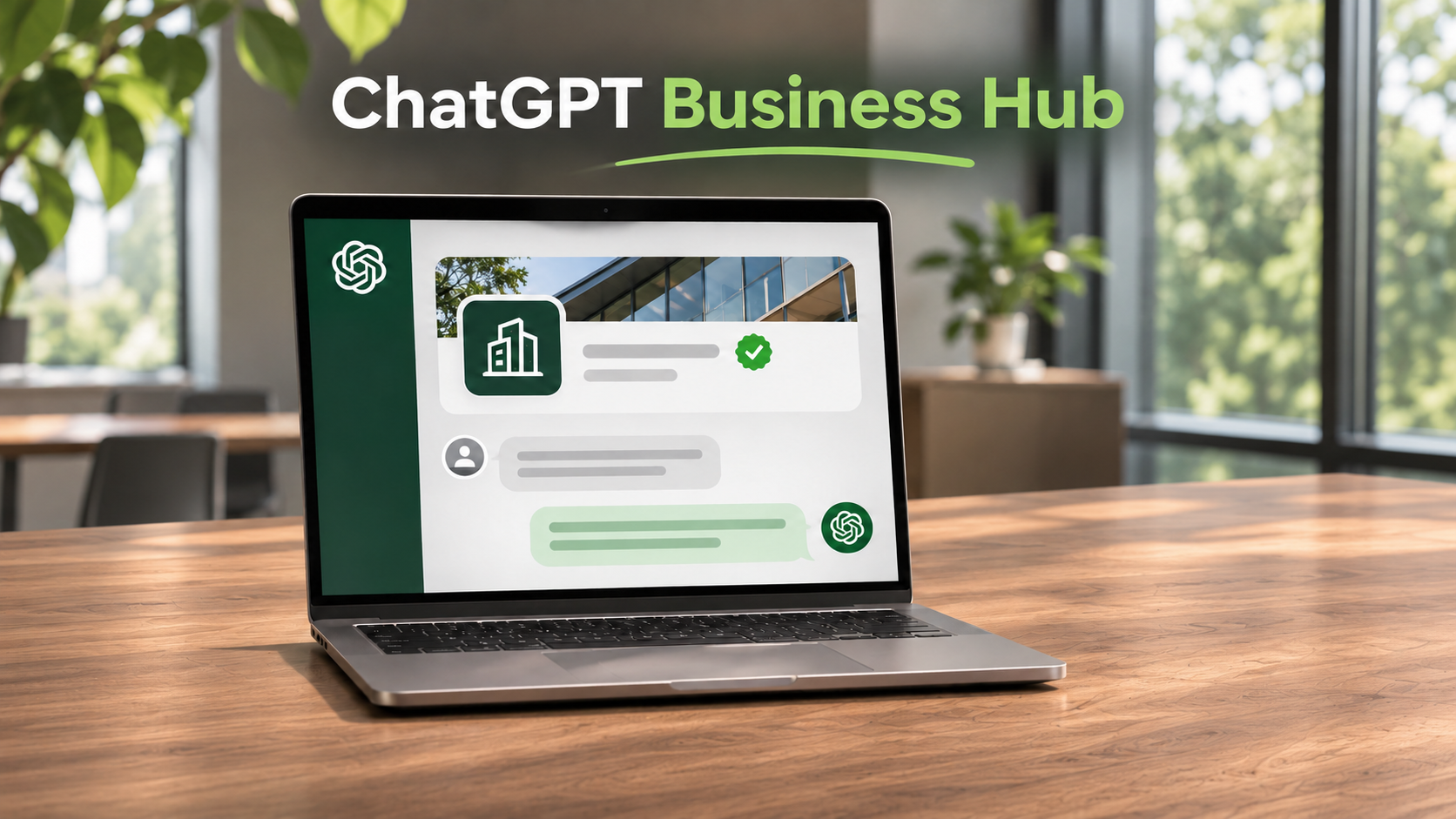
On November 10, 2026, OpenAI announced an early beta release of Businesses in ChatGPT. It includes a new Business Hub where you can — drumroll please — finally claim and verify your business profile.
Once OpenAI verifies your business, you can update details like your website link and business description.
Some of our Three29 clients have already reached out to inquire what this means for their businesses, and whether they should claim their profiles.
We recommend claiming your profile as soon as you can. Here’s our full run-down of what you need to know and how to get started.
Table of Contents
What Is Businesses in ChatGPT?
Businesses in ChatGPT is OpenAI’s name for new ways to find and learn about companies. (Not to be confused with ChatGPT Business, which refers to the pricing tier for team ChatGPT usage.)
When a company appears in a ChatGPT answer, people can open its profile.
If the company has a Business Agent, they can ask it questions.
What Is ChatGPT Business Hub?
ChatGPT Business Hub is where you claim your profile, update your details, and see how people find your site from ChatGPT.
Once verified, you can update your website link, description, business category, and logo.
Business Hub Insights shows how often your business comes up and how often people click to your site. Discovery topics show common themes in answers that mention your business.
Insights cover the past 28 days. OpenAI only shows data when there’s enough activity, but it hasn’t shared the exact minimum counts yet. For now, just know that a blank space can mean your site has too little activity to capture this data yet, that data is still coming in, or that reporting that isn’t available for another reason. See OpenAI’s guide to Business Hub insights for their full explanation.
Business Agent is a chat tool that answers questions about your company. If you qualify and publish an agent, people can chat with it from your profile.
Who Is Eligible?
Eligibility for ChatGPT Business Hub includes:
- Business owner or someone with permission to act for the business
- Business in a place where ChatGPT and a way to verify the business are available
- Local stores and restaurants: existing U.S. listing only
Online businesses may have the option to add a missing listing if eligible. And no OpenAI Ads account or ChatGPT Enterprise agreement is required for this or any ChatGPT Business Hub usage.
To be eligible for Business Agent, you must have:
- U.S. ecommerce or online service business with a website
- Approved business claim and ID check through Persona
- Business type and planned use allowed by OpenAI’s Business Agents Policy
Why You Should Claim Your Business in ChatGPT
Claiming lets you share current facts with ChatGPT. That supports your company’s generative engine optimization (GEO), which helps AI tools understand what your business does.
OpenAI has been quick to note that claiming doesn’t guarantee that ChatGPT will mention or recommend your business, of course.
But once you have access to your data, you can look at the topics that bring up your business and how often people click to your site, which is powerful insight as you optimize for AI visibility in 2027 and beyond.
How to Get Started with ChatGPT Business Hub
We’d start by claiming your profile and checking that it matches your website. Here’s the step-by-step:
1. Find your business. Sign in to ChatGPT and open Business Hub. Search for your company, pick its listing, and confirm which account will manage it. If you see “Contact support,” use that button to ask for access.
2. Show that you represent the business. Pick a method Business Hub offers. You may get a code by phone or email, sign in to Shopify, or ask your web team to add a code to your website settings. OpenAI will email you after reviewing your claim.
3. Verify your identity. Once OpenAI approves your claim, choose “Verify with Persona.” You may need an official photo ID, business records, and proof you can act for the business. Wait for approval before posting changes or viewing Insights.
4. Update your profile. Open it under Business. Check your website link, description, category, and logo. OpenAI reviews changes before they go live.
See OpenAI’s full setup guide for help with verification.
Actionable Tips for ChatGPT for Businesses
Once you have access, here are some ways you could start using your data and claimed profile to improve your ChatGPT visibility, referral traffic, and on-site conversions:
- Check that ChatGPT Search can read your service pages. Ask your web team if OAI-SearchBot, the tool ChatGPT Search uses to find pages, can reach them. On an HVAC page, say which towns you serve and whether you handle emergency repairs.
- Test your website link in Business Hub. Find it and open it on your phone, and see what your potential customers will see when they hit your site. If your profile says you fix roof leaks, will your customers be able to find that service and ask for an estimate on the linked page, without digging?
- Update your service details in Business Hub. Are any services missing or inaccurate? Update those so you’re attracting your full target audience. For example, if your law firm adds estate planning, update your profile’s services and description.
- Use Business Hub Insights to pick one page to improve. If you see you’re getting the most ChatGPT traffic for a particular prompt topic and it’s all being sent to a particular page, then you’ve got great insights to begin optimizing the destination page. For example, if roof replacement comes up often, check whether the most cited page for this topic explains how the work goes and how to get a quote.
- Preview your Business Agent before you publish it. Ask a few questions customers often ask. Check that the answers are correct and that any links go to the right page. Fix any mistakes on-site and in your ChatGPT profile, then test again.
Work With The Three29 AI Visibility Team
Claimed your ChatGPT business profile but unsure what to do with your Insights or how to optimize for AI search?
Three29’s GEO team is here to help make your website easier for AI search tools to crawl, trust, and cite. Get in touch with us through our contact form to see where your site could improve its AI visibility.